Importing unit or accreditation files updates the reference data for Unit Standards.
To import an NZQA units or accreditation file:
-
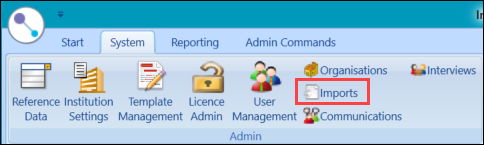
Select the Imports button on the System ribbon.
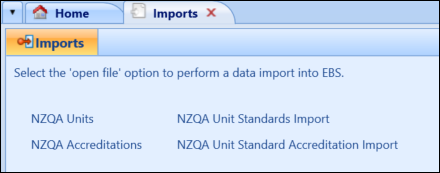
The Imports screen is displayed.
-
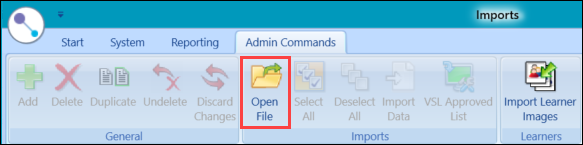
Select the Open File button on the Admin Commands ribbon.
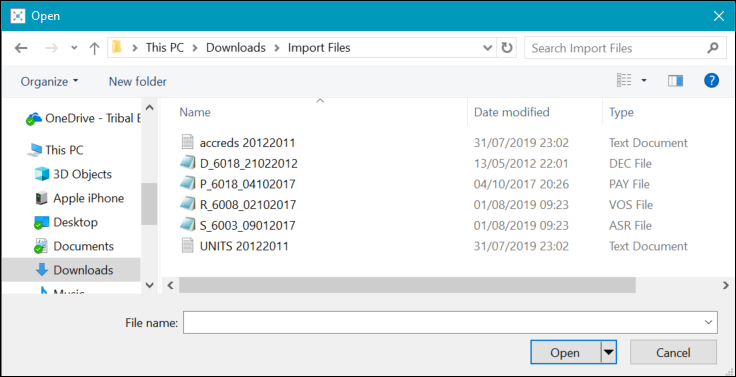
The Open window is displayed.
-
Locate and select the required units or accreditations file, and then select Open .
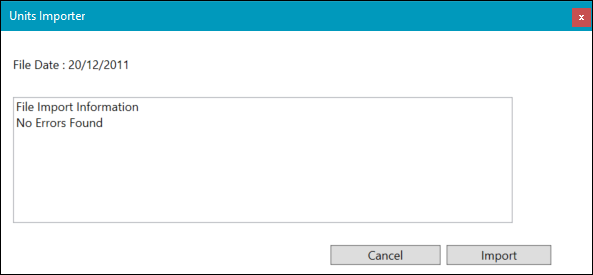
Important.The file must be a .txt file that contains 'units' or 'accreds' in the file name.Depending on the type of file, the Units Importer or Accreditations Importer window is displayed.
-
Select the Import button to carry out the import process.
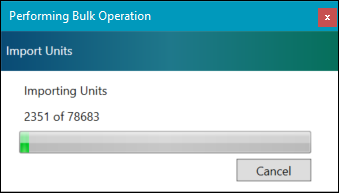
The Performing Bulk Operation window is displayed, detailing the progress of the import.
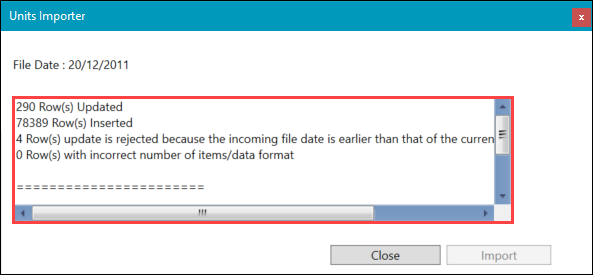
On completion, a summary of the import is displayed on the Units Importer or Accreditations Importer window.
The new records can be found in the Unit Standards reference data.